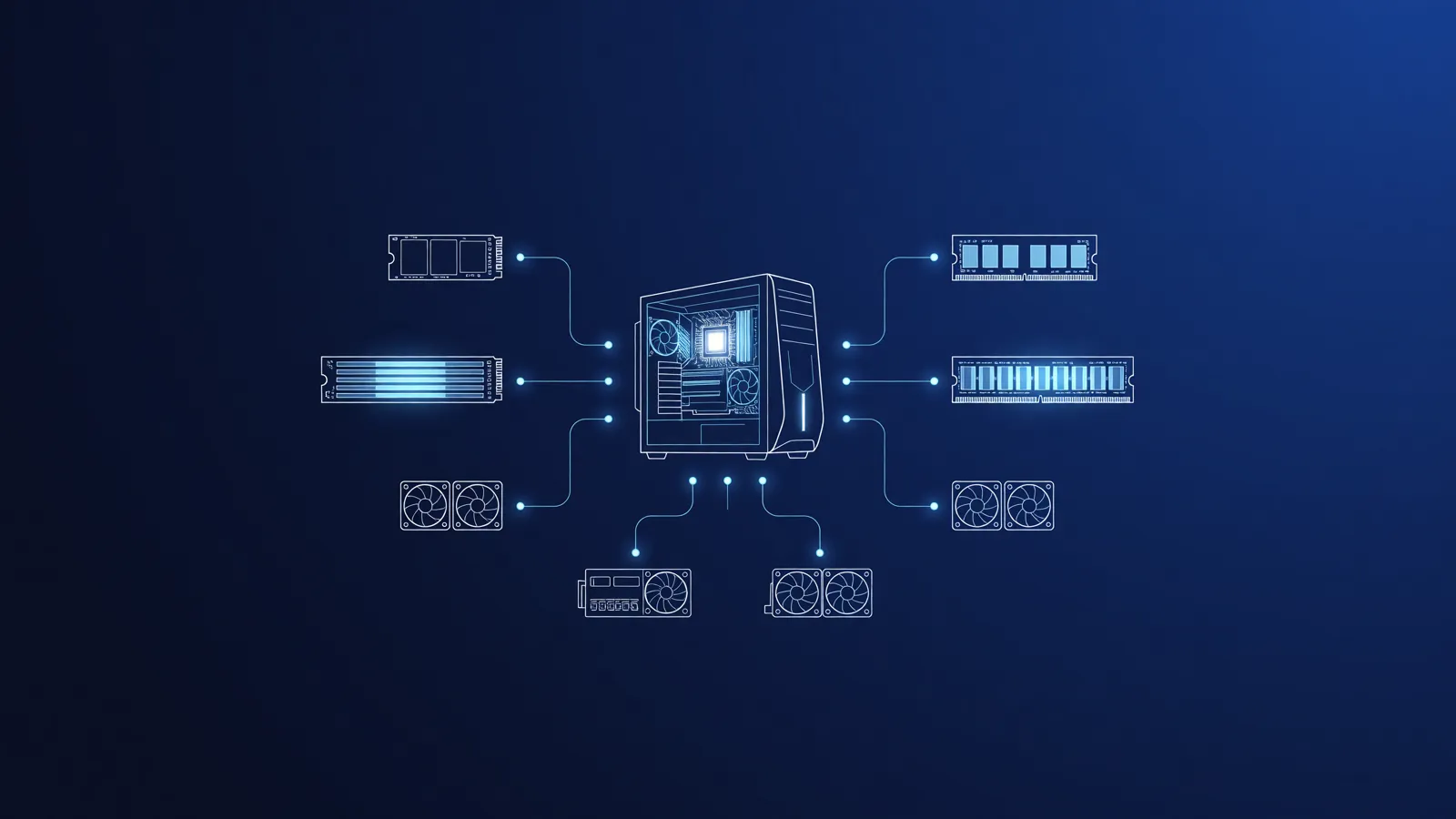
Running Large Language Models (LLMs) locally gives you unprecedented privacy and control over your data. For developers building robust web applications or RAG (Retrieval-Augmented Generation) systems, it is crucial to understand what hardware is needed to keep things running smoothly. But where do you start?
Memory is King: RAM and VRAM
With LLMs, memory is the biggest bottleneck, not pure computing power. To be able to "read" and run a model, it must fit entirely into memory. We distinguish between two types:
- VRAM (Video RAM): The memory of your graphics card. This is lightning fast and is the absolute preferred choice for LLMs.
- System RAM: Your computer's standard memory. This is slower than VRAM, but is often present in much larger quantities or easier to upgrade.
Computing Power: GPU versus CPU
Although you can run LLMs on a CPU (processor), it often feels like walking through quicksand. A GPU (graphics card) is designed to perform thousands of calculations simultaneously, which is essential for the matrix multiplications that form the basis of AI. Models often generate text on a GPU 5 to 20 times faster than on a standard CPU.
Quantization Explained: Making Models Fit
An uncompressed model of 8 billion (8B) parameters requires roughly 16GB of VRAM. That is unfeasible for a lot of consumer hardware. This is where quantization comes in.
Quantization is a technique where the precision of the 'weights' in the model (usually 16-bit) is reduced to, for example, 8-bit or even 4-bit. The result? The model takes up half or a quarter of the memory, while the loss in intelligence and output quality remains remarkably small.
What can run on an average laptop?
You don't need to own a server farm to get started. Here is an *indicative* overview of what you can run locally (based on 4-bit quantization):
| Available Memory (VRAM or Apple RAM) | Model Size (Indicative) | Example Application |
|---|---|---|
| 8 GB | Up to ~8B parameters | Coding assistance, basic text generation |
| 12 - 16 GB | ~14B to ~32B parameters | Complex RAG applications, logical reasoning |
| 24 GB+ (or 32GB+ on Mac) | ~70B parameters | Advanced analysis, in-depth local development |
Scaling Up: From Laptop to Home HPC
As your web applications grow and you want to set up more intensive local workflows (such as multi-agent systems or continuous data processing), you will find that a laptop or basic PC falls short. To run these kinds of services non-stop, many entrepreneurs consider a home HPC (High Performance Computing) setup.
If the initial investment in your own hardware is too high, renting AI computing power locally is often an excellent alternative to keep your RAG pipelines and AI infrastructure scalable without the high electricity and purchase costs.
Want to discover which software is best for driving this hardware? Check out the latest tools and frameworks on our LLM Hub.