Setting up a local workflow with open-source language models offers complete control over data and processing speed. Yet, many local setups lack a well-thought-out backup strategy. A hardware failure, corrupted database index, or faulty configuration update can lead to the loss of valuable information. However, simply cloning an entire drive is inefficient for local AI systems due to the massive size of model files.
An effective backup strategy separates static assets from unique data. In this guide, we cover which components take priority, how to apply the 3-2-1 rule to AI environments, specific requirements for vector databases, and how to set up encryption and recovery procedures.
Distinction: What to Back Up and What to Skip?
One of the biggest pitfalls in managing local LLMs is storing gigabytes of raw model weights in a daily backup. To use storage space and bandwidth efficiently, it is essential to distinguish between reproducible files and unique data.
Do not back up (re-downloadable)
Raw model files such as .gguf, .safetensors or HuggingFace repositories take up dozens of gigabytes. Because these files are immutable and can be downloaded from public sources, they do not need to be included in periodic backups. It is wise, however, to document exact names, revisions, and source URLs. For more details on efficient file management, consult the guide on downloading and managing models.
Do back up (unique and irreplaceable)
The true value of a local AI infrastructure lies in the custom components built by you or your organization:
- Configuration files and Modelfiles: Custom system prompts, temperature settings, stop tokens, and Ollama Modelfiles.
- Chat history and logs: Conversation data, exported JSON files, and application databases from frontends like Open WebUI or LibreChat.
- Source documents for RAG: The original PDF files, text documents, and Markdown notes used for knowledge base systems.
- Fine-tuning results and LoRA adapters: Custom-trained weights, LoRA adapters, and associated hyperparameters. These files are relatively small but represent substantial compute time.
- Vector database configurations: Schemas and settings of vector indexes.
| Component | Category | Backup priority | Recovery method |
|---|---|---|---|
| GGUF / Base Weights | Static / External | Low (exclude) | Redownload via script or manifest |
| LoRA Adapters | Unique / In-house work | Critical | Restore from local/offsite backup |
| Modelfiles & Prompts | Configuration | Critical | Version control (Git) + backup |
| Chat history (SQLite/JSON) | Dynamic data | High | Daily incremental backup |
| Vector Index Files | Derived data | Medium | Rebuild from source files or snapshot |
The 3-2-1 rule applied to AI data
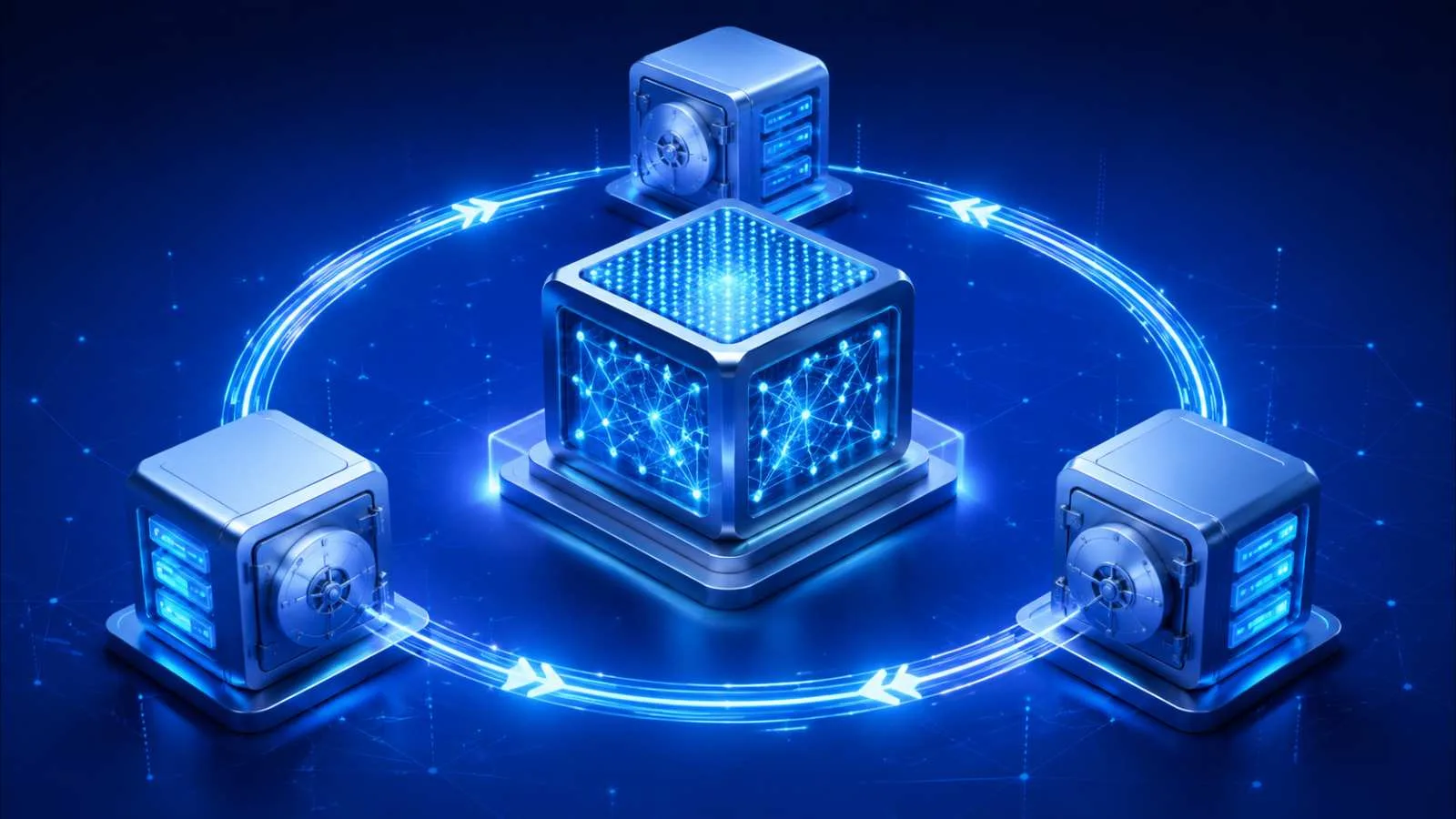
The classic 3-2-1 backup rule applies just as strongly to local AI setups. This principle means:
- Keep at least 3 copies of important data (the original and two copies).
- Use 2 different media types (for example, a local NVMe drive and network-attached storage).
- Store at least 1 copy offsite at (a physically separate location or an encrypted cloud storage).
In practice, this might mean that your active working files are on the local workstation, an automated snapshot is taken hourly to a local NAS, and an encrypted backup is sent nightly to an offsite storage location. If you deploy a NAS within your network, you can find specific configuration settings in the article on running an LLM on a Synology NAS.
Vector databases: Rebuilding versus backing up
Retrieval-Augmented Generation (RAG) relies on vector databases such as ChromaDB, Qdrant, Milvus, or PGvector to search documents. A vector index requires a specific approach when it comes to backups.
A vector index is essentially derived data: the index is generated by passing source documents through a specific embedding model. There are two ways to handle this in a disaster recovery scenario:
Strategy A: Full index backup (Fast Recovery)
You back up the complete data directory of the vector database (for example, the SQLite files or binary indices). This enables very fast recovery, as the index can be loaded directly without having to recalculate embeddings.
Strategy B: Source-based reconstruction (Storage Efficient)
You back up only the source documents, along with the exact version number of the embedding model used and the specific chunking parameters. In the event of a crash, you rebuild the index from scratch. This saves storage space, but requires time and compute during recovery.
Version control for configurations and prompts
Alongside traditional file backups, version control is an indispensable pillar for managing LLM infrastructure. System prompts, agentic workflows, API wrappers, and docker-compose.yml files change regularly. Storing these files in a version control system like Git offers key advantages:
- It provides clear visibility into which prompt adjustment led to a change in model output.
- It makes it easy to revert immediately to a previously working state in case of configuration errors.
- It completely decouples code and settings from large data files.
Ensure that sensitive credentials such as API keys or passwords are kept in .envfiles and that these files are included in the .gitignore to prevent accidental publication.
Snapshots versus true backups
It is important to understand the distinction between a snapshot and a full backup. Many virtualization platforms (such as Proxmox or Docker volume snapshots) offer the ability to quickly capture a state.
A snapshot is a frozen state of the file system at a specific point in time on the same physical storage. This is ideal as a restore point right before a software update or a major configuration change. However, it does not protect against physical hardware failures or storage media corruption.
A true backup is an independent copy of the data that is decoupled from the source, preferably on a different medium or at another location. A robust strategy uses snapshots for quick local rollbacks and true backups for disaster recovery.
Automating the Backup Process
In practice, manual backups are often forgotten. Automation ensures continuity and reliability. Preferably use tools that support incremental backups, compression, and encryption, such as Restic, BorgBackup, or Duplicati.
A typical automated process for a local AI workstation includes the following steps:
- Pre-backup script: Temporarily place databases into a consistent state or create a consistent database dump (for example via
sqlite3 database.db ".backup 'dump.db'"). - Inclusion and Exclusion: Configure the backup software to include frontend data folders and source documents, but explicitly exclude folders such as
~/.ollama/modelsor HuggingFace cache folders. - Retention policy: Set rules for pruning old backups (for example: retain 7 daily, 4 weekly, and 12 monthly backups).
- Logging and Notifications: Ensure the outcome of the backup job is logged and that alerts are triggered in case of errors.
Storage Privacy and Security
When running models locally for privacy reasons, the backup process must provide the same privacy guarantees. Chat histories and ingested business documents often contain confidential information.
Consider the following aspects when setting up your backup:
- Zero-Knowledge Encryption: Ensure backups are always encrypted client-side (e.g., using AES-256) before they are sent across the network or stored at an external location.
- Key management: Store encryption keys and passphrases in a secure location, separate from the backup data. Without the key, the backup is unusable.
- Compliance: If chat data contains personal data, the retention period for backups must comply with applicable privacy regulations. For additional guidance, read the article on privacy-friendly AI.
Testing the Restore Procedure
An untested backup provides no certainty. Many organizations and administrators only discover during an outage or disaster that a backup is corrupt, incomplete, or that the recovery process takes too long.
Perform a restore test periodically (e.g., bi-annually) on an isolated system or inside a virtual machine:
- Restore the configuration files and database dumps.
- Launch the local LLM interface and verify that the chat history loads correctly.
- Connect the vector database and run a test query to verify that the index functions properly. Additional information regarding local search functionality can be found under search documents locally and local RAG Mac.
- Document the restore process in a concise Disaster Recovery Plan so that you know the exact steps to follow in an emergency.
Checklist by Category
Use this checklist to review your current backup setup:
1. Models and Weights
- [ ] Exclusion rules configured for large base model files (GGUF, Safetensors).
- [ ] Documentation or scripts in place to automatically re-verify or redownload required models.
- [ ] Custom LoRA adapters and fine-tuning datasets included in the active backup.
2. Configuration and Code
- [ ] Modelfiles, system prompts, and container definitions stored in a Git repository.
- [ ] Sensitive variables (API keys, passwords) shielded via
.envfiles and excluded from Git.
3. Data and Databases
- [ ] Source documents of the RAG knowledge base secured in at least two locations.
- [ ] Daily incremental backups set up for chat history and user databases.
- [ ] Decision made between an index backup or a rebuild script for the vector database.
4. Security and Recovery
- [ ] Client-side encryption enabled for all offsite backups.
- [ ] Encryption keys stored securely in an external location.
- [ ] Restore procedure successfully tested on a secondary system.