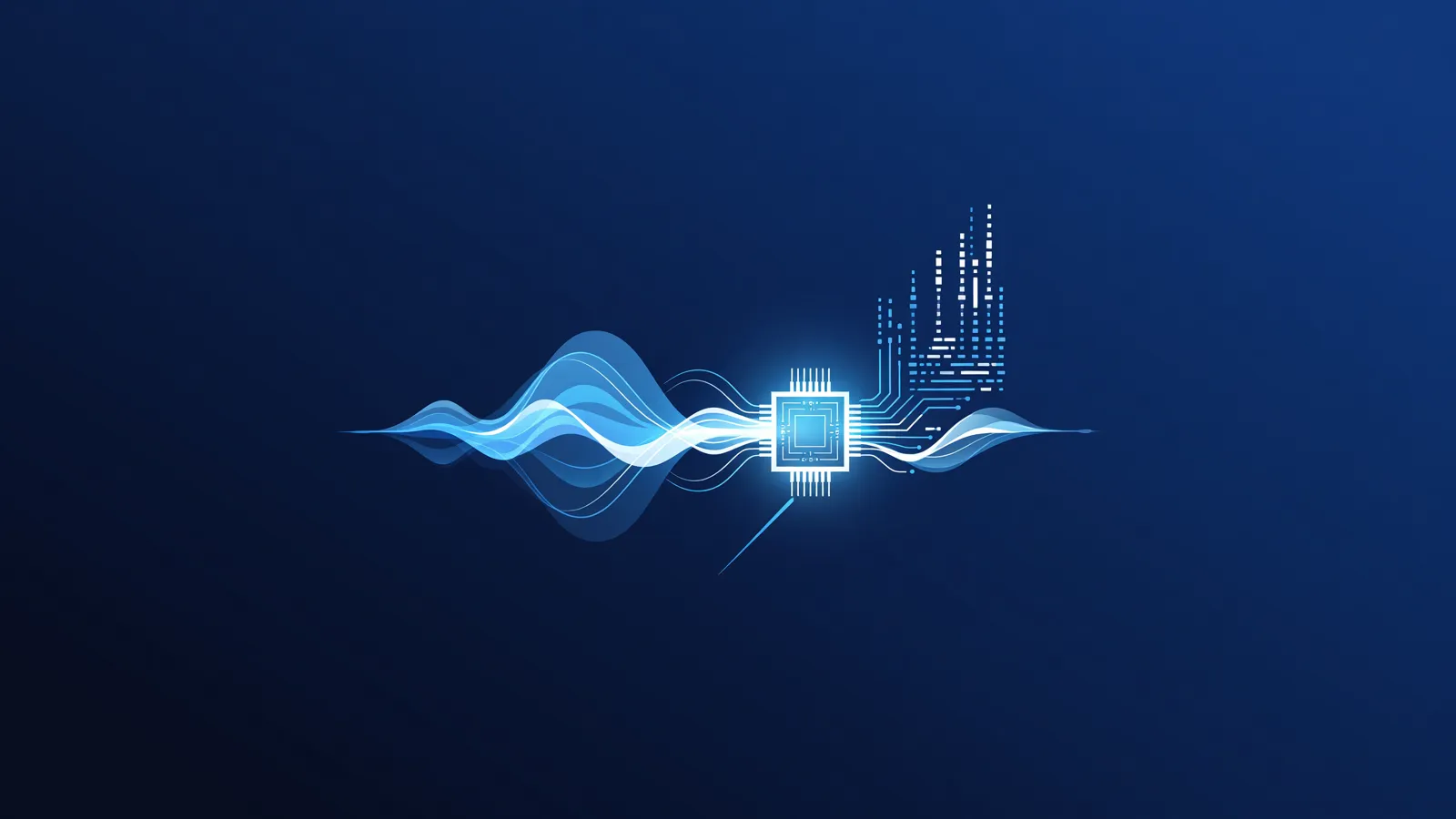
Converting spoken word to written text (also known as speech recognition or Automatic Speech Recognition) has made a massive leap in recent years. Models like OpenAI's Whisper now perform at a human level or even better. Although many people use cloud services for this task, there is a rapidly growing movement to do this completely locally, directly on your own computer.
In this guide, we dive deep into the world of local speech-to-text solutions. We focus specifically on users with modern Mac systems (Apple Silicon), as this architecture is pre-eminently suited for this specific AI workload. We cover the benefits, hardware requirements, performance in Dutch, and how to seamlessly link the generated text to a local language model for summaries or further analysis.
Why Should You Convert Speech Locally?
Running AI models locally requires an initial investment of time and the right equipment, but offers three decisive advantages over cloud-based APIs or web services:
- Absolute Privacy and Data Security: This is the most important reason. When transcribing confidential board meetings, patient consultations (in healthcare), journalistic interviews with anonymous sources, or personal voice memos, you do not want this data sent to an external server. If you run a model locally, the audio simply never leaves your device.
- No Upload or Time Limits: Cloud services often impose strict limits on file size (e.g., maximum 25 MB) or audio duration. If you want to transcribe a three-hour podcast or an entire conference day, you will quickly run into technical roadblocks with cloud APIs. Locally, you are only limited by your storage space and the patience of your own system.
- No Per-Minute Costs or Subscriptions: Services like OpenAI's Whisper API charge a fixed rate per minute of audio (e.g., $0.006 per minute). With large-scale or daily use, these costs quickly add up. A local model requires a one-time purchase of the right hardware, after which every transcription is completely free. You only pay for the electricity.
Model Sizes and the Balance Between Speed and Accuracy
The most popular open-source model for speech recognition is currently 'Whisper', available in various sizes. Just like the process of choosing a local model for text, the size of speech models also determines their capacity. The models are trained on hundreds of thousands of hours of multilingual audio.
| Model Parameter Size | Required RAM (approx.) | Speed (Relative) | Accuracy (Dutch) |
|---|---|---|---|
| Tiny / Base (~39M - 74M) | ~1 GB | Extremely fast | Moderate (struggles with accents, many hallucinations) |
| Small (~244M) | ~2 GB | Very fast | Fair to Good (usable for dictation) |
| Medium (~769M) | ~5 GB | Average | Very Good (understands context and technical terms reasonably well) |
| Large v2 / v3 (~1550M) | ~8 to 10 GB | Slower | Excellent (comparable to cloud APIs) |
The newer iterations, such as Whisper Large-v3 (and the faster Turbo variant), offer significant performance improvements over the original releases. For the most robust results, we always recommend using the Large model, provided your computer has enough system memory (RAM).
How Well Does Dutch Work Compared to English?
The training data for almost all large ASR models consists largely of the English language. This means that models like Whisper perform exceptionally well in English, even in the smallest variants (Tiny and Base). Accents, slang, and complex academic terms are transcribed almost flawlessly in English.
For the Dutch language, the situation is more nuanced. The larger models (Medium, Large-v2, and Large-v3) are trained on enough Dutch data to deliver amazingly accurate results. They understand the context of the sentence and can therefore 'guess' what an unclearly pronounced word likely is, similar to how a human brain works. They also automatically place punctuation marks and capital letters in the correct places.
However, smaller models have much more difficulty with Dutch. They are more sensitive to 'hallucinations', where the model gets stuck in a loop and repeats sentences, or tries to make English words out of Dutch sounds (for example, translating 'hij was' as 'high was'). For high-quality Dutch transcriptions, running at least the Medium model, and preferably the Large model, is highly recommended. Especially with specific dialects (such as Frisian or strong Flemish), the Large model truly shows its superiority.
Hardware Requirements and the Advantage of Apple Silicon
For those who want to take serious steps into the world of local AI, choosing the right hardware for a local LLM or a speech model is an essential starting point. Traditional PCs use a CPU for general tasks and a separate graphics card (GPU) with its own VRAM for AI tasks. Because moving data between the system memory and the GPU takes time and bandwidth, a bottleneck often arises.
This is where modern Macs with Apple Silicon (the M1, M2, M3, and M4 chips) shine. These chips utilize a Unified Memory Architecture (UMA). This means that the CPU, the GPU, and the special Neural Engine all have direct access to the same pool of lightning-fast system memory. You don't need to load the data of an audio model into a limited video memory; the model can access the system RAM directly.
Concrete Advice for Mac Users:
- Basic Use (Up to Small model): An entry-level Mac with an M1 or M2 chip and 8 GB of RAM is more than sufficient. Transcription is faster than real-time (for example, a 10-minute recording is transcribed in 2 minutes).
- Professional Use (Medium and Large models): To run the Large-v3 model smoothly without your computer freezing completely or having to 'swap' to the relatively slow SSD, a Mac with 16 GB or more of Unified Memory is necessary. The M-Pro and M-Max chips also offer much more memory bandwidth, which dramatically speeds up transcription throughput.
To run these models optimally on your Mac's GPU, software specifically written for Apple's Metal framework is required. Projects like Whisper.cpp (by the creator of Llama.cpp) are specifically designed for this and make optimal use of the Mac hardware, often without the need for complex Python environments.
Handling Long Recordings and Multiple Speakers (Diarization)
Converting a two-minute voice memo is trivial, but transcribing a three-hour town hall meeting brings technical challenges.
Chunking of Long Files
Speech models cannot process infinitely long pieces of audio at once. Their so-called 'context window' for audio is often limited to 30-second blocks. Smart software (like Whisper.cpp) automatically cuts the audio under the hood into these small 'chunks', processes them one by one, and seamlessly glues the resulting text back together. To the user, it seems as if the file is converted in one smooth motion.
Speaker Recognition (Speaker Diarization)
This is where it gets complex. A standard Whisper model transcribes what is said, but not who says it. It produces one massive block of text. For interviews or meetings, you want a script format: "Speaker 1: Hello. Speaker 2: Welcome."
This process is called 'Diarization'. Since Whisper cannot do this on its own, you have to solve this by running a second, specialized AI model alongside Whisper. The most commonly used open-source model for this is Pyannote.audio. The pipeline then looks like this:
- Pyannote analyzes the audio waveforms, recognizes the unique 'voiceprints', and creates a timeline: "Speaker A speaks from 0:00 to 0:05", "Speaker B speaks from 0:06 to 0:10".
- Whisper converts the audio into text, with corresponding timestamps per word.
- A script combines both outputs to arrive at a formatted dialogue script.
Setting up such a diarization pipeline locally often requires more technical knowledge and the use of Python scripts. Ready-made graphical applications for the Mac sometimes offer this functionality in their paid 'Pro' versions, because integrating these two separate models is complex.
Linking the Transcription to a Local Language Model
A raw transcription of a one-hour meeting quickly results in a text document of ten to fifteen thousand words. Although the document is now searchable, you probably want more: a concise summary, a list of action items, or an extraction of the key decisions. To do this, you can pass the raw text to a Large Language Model (LLM).
To keep the chain completely offline and privacy-secure, we do not send this text to ChatGPT, but run a language model on the same machine. For this, it is best to install Ollama on macOS. Once the transcription is complete and saved as a .txt file, you can read this file and feed it to a local model via the terminal.
An important point of attention here is the Context Window of the language model. Not every language model can process 15,000 words at once (which roughly equates to about 20,000 tokens). Choose models with a large context window, such as versions of Llama 3 (with 8,192 tokens or more) or specific models fine-tuned for long documents, such as Command R (often available in quantized form). If the transcription is too long for the context window of your local LLM, you will have to summarize the document in parts (chapters or time slots), or use more advanced techniques as described in RAG systems for beginners on our learning portal.
Step-by-Step Plan: Making Your First Local Transcription on the Mac
For the pragmatic user who doesn't want to troubleshoot Python environments, there are fortunately excellent graphical interfaces (GUIs) available for the Mac that leverage the power of Whisper.cpp. This is the fastest way to start:
- Download a suitable application: Look for open-source or freemium projects that optimize Whisper for Mac. Popular choices are applications that directly use the CoreML or Metal framework for maximum performance.
- Download the model: Upon first startup, the software will ask which model you want to download. Choose Medium if you have 8GB RAM, and Large-v3 if you have 16GB or more RAM. The download is a one-time event and requires several gigabytes of disk space.
- Import the audio: Drag and drop your audio file (often mp3, wav, or m4a) into the window. Tip: convert giant video files (mp4) to mp3 first to save processing time.
- Start the transcription: The software converts the audio into text. You can track the progress locally, without a single byte being sent to the internet.
- Export the result: Save the result as plain text (.txt), a subtitle file (.srt or .vtt) for videos, or as a CSV file for further analysis.
Conclusion
Converting speech to text locally on a Mac with Apple Silicon is no longer an experiment for academics; it has become a mature and highly reliable workflow. Whether you work in the legal sector, healthcare, or simply value your own privacy: the investment in the right hardware quickly pays for itself in peace of mind and the elimination of variable subscription costs. By deploying larger models like Whisper Large, you are assured of transcriptions, even in the Dutch language, that easily compete with the best commercial cloud providers.